
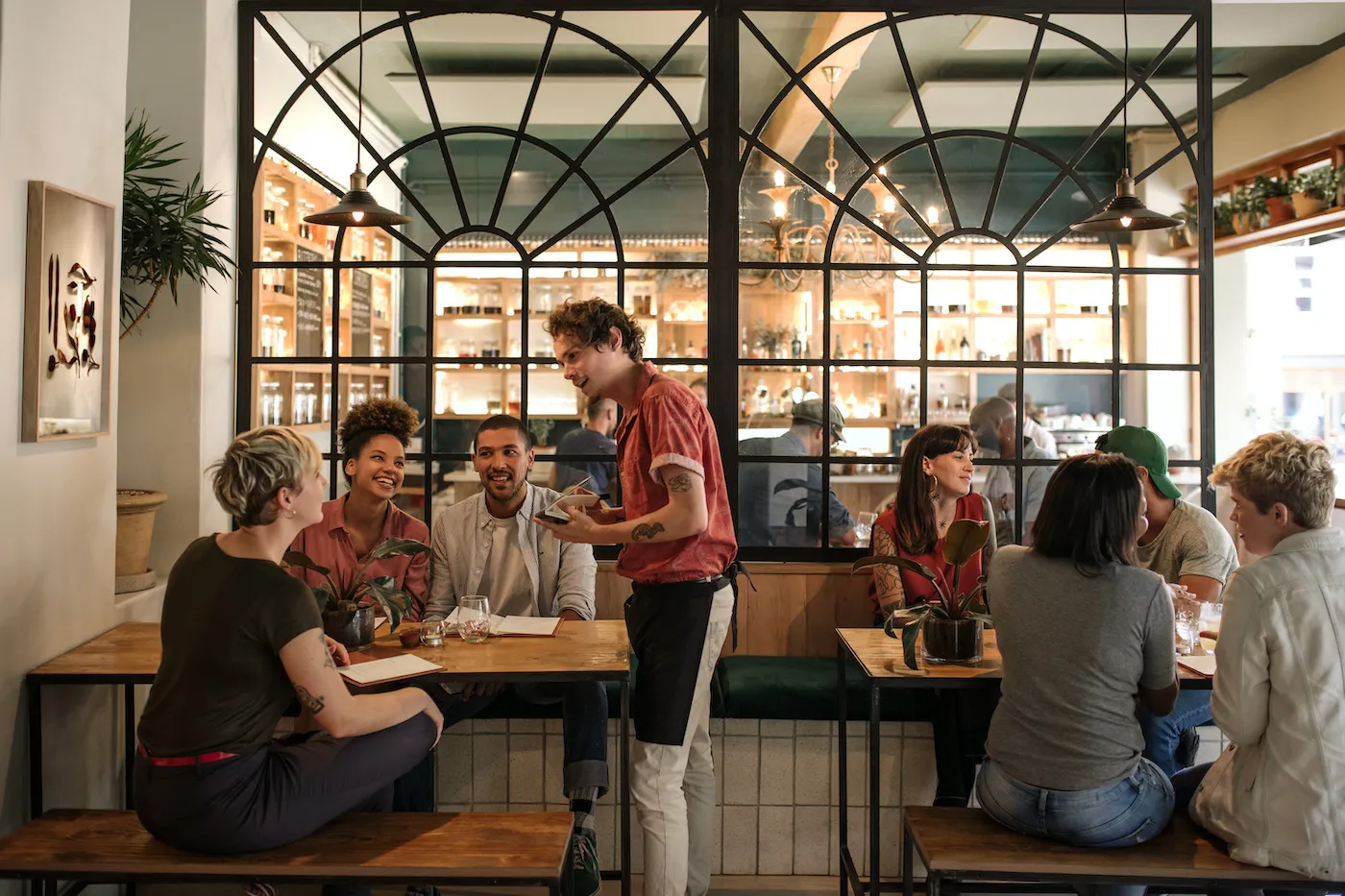
Digital loyalty card for restaurants
Your regulars' card in their Apple Wallet or Google Wallet: with the seasonal dish, a link to book and a lunchtime alert when they're nearby.
Works natively on iPhone and Android, with no app to install
A digital loyalty card for restaurants is a restaurant's or bar's customer card saved in the phone's wallet (Apple Wallet or Google Wallet): it identifies regulars with a QR code, shows the dish or menu you want to highlight and lets the restaurant send them alerts, including when they're nearby at lunch or dinner time. With Idenge, a restaurant launches it with a QR code on the table, with no app and pricing designed for a single venue.
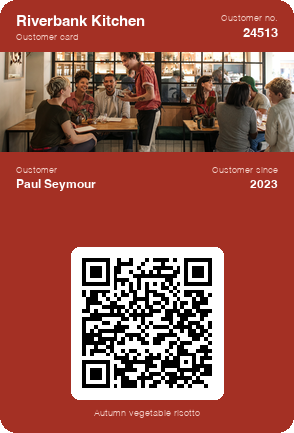
Save a sample restaurant card to your phone
In a few seconds you have in your wallet the card your customers would carry, with its QR code and the seasonal dish. To make your restaurant's own, create an account: it is free for up to 20 cards, with no expiry date, every feature included (nearby alerts too) and no credit card.
Create your restaurant's card for free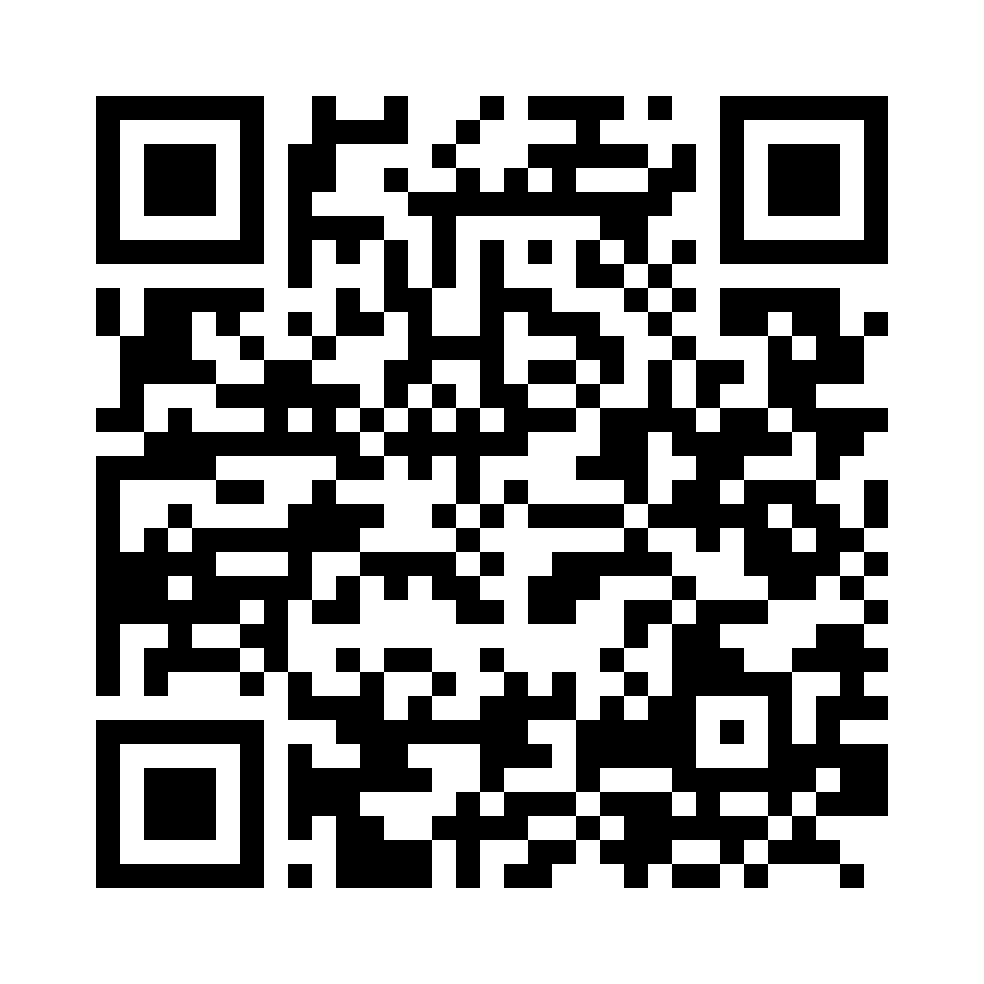
Scan the code with your phone camera and the sample card will be added to your wallet.
You are on your phone: tap your wallet button and the sample card will be added for you.



With Apple Wallet and Google Wallet there is no app to install. On Android, the card also works with the PassWallet app.
Customer loyalty problems in restaurants
Regulars treated as strangers
They come in every week, but nobody on the floor knows they're regulars, so they get the same welcome as someone walking in for the first time.
Empty tables midweek
Fridays are fully booked; from Monday to Thursday at lunchtime, tables sit empty and there's no way to tell the people who are in the area.
The paper card that gets lost
The paper punch card ends up in a drawer or in the washing machine, and the customer starts from scratch every time they lose it.
Promotions in someone else's hands
Offers live on social media and on booking or delivery platforms that decide who sees them and take a cut of your margin.
Paper punch card vs digital restaurant loyalty card
| Paper punch card | Idenge digital card | |
|---|---|---|
| Having it to hand | In a purse, if it hasn't been lost | On the phone, always |
| Letting them know there's a table | Impossible | An alert to customers passing nearby |
| What it offers | A reward once the card is full | Perks you change whenever you like |
| Knowing your customers | A name scribbled on a piece of card | Their name and email, and a direct way to reach them |
| Cost | Printing and punches | Free for up to 20 cards; after that, published prices |
How to set up your restaurant loyalty card in four steps
- 1
Design the restaurant's card
Logo, colours and the fields you want to show: customer name and number, plus a photo of the restaurant that you can swap whenever the menu changes.
- 2
A QR code on the table or the bill
Put the sign-up QR code on a table stand or print it on the bill: customers sign up on their phone while they wait for their coffee, with the details you ask for.
- 3
They take it away on their phone
They finish signing up and add the card to Apple Wallet or Google Wallet in two taps, without downloading a restaurant app.
- 4
Send alerts from the dashboard
Send alerts to all your customers or just to your regulars, and keep the card up to date from the same dashboard.
Digital loyalty card features for restaurants and bars
Alerts when customers are nearby
Set the restaurant's location and the card shows your message when the customer is close by: the alert that turns a passer-by into a diner.
Direct notifications, no social media or platforms
Your message lands on your customers' phone screens without depending on an algorithm or a booking platform: the seasonal dinner, the terrace opening or your bank holiday opening hours.
Pricing sized for a single venue
Public prices by number of cards, no lock-in and no booking commissions, with every feature on every plan: a restaurant pays for the cards it uses, not for a suite built for chains.
Sample campaign
Campaigns to fill your restaurant from your customers' loyalty card
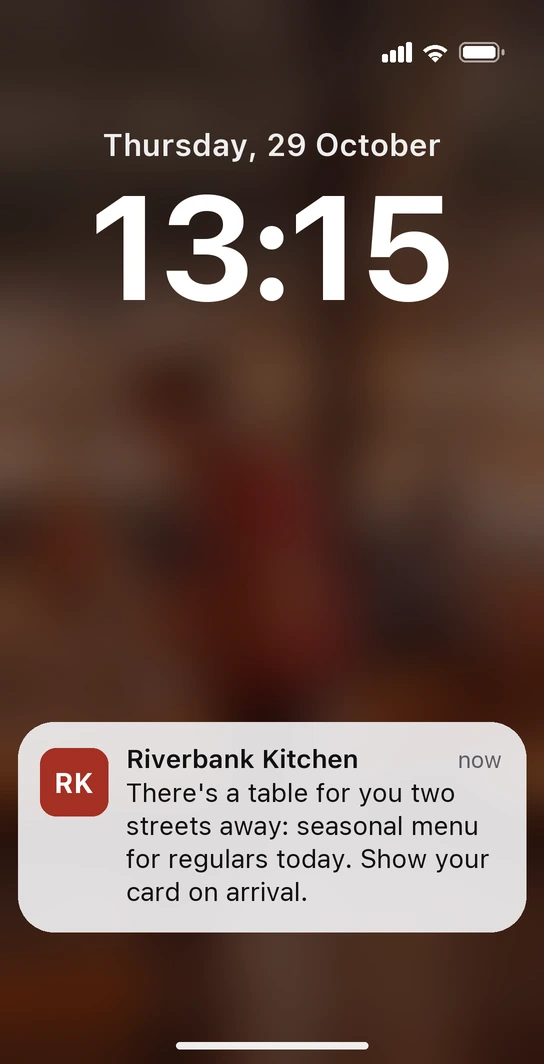
Thursday, quarter past one. Paul leaves the office looking for somewhere to eat and, two streets from the restaurant, his phone lights up: “There's a table for you two streets away: seasonal menu for regulars today. Show your card on arrival.” No app involved: the alert comes from the card he saved to his wallet the last time he ate there, and you set it to appear around the restaurant on weekday lunchtimes. The regulars' perk sits in a field you change every week, and at the door all he has to do is show his card.
-
The terrace, on the first sunny day
When the first fine day of the year arrives, you let your regulars know the terrace is open; the card swaps its photo for one of the terrace for as long as the season lasts.
-
Special dinners, your regulars first
The wine-pairing dinner or the set menu for a special date is announced to your regulars first, with the date and price written on their card, before you publish it anywhere else.
No punches to count and no paper cards to lose: your regulars carry your restaurant on their phone, and you decide when to remind them.
Restaurants that already have their customer card on Idenge
How much does a digital loyalty card for a restaurant cost?
No quotes and no booking commissions: you start free for up to 20 cards, with no expiry date and no credit card, enough to try it with your longest-standing regulars. Once you go past 20, plans start from €8.99/month for 100 cards, which also cover the first 20, with no lock-in. See Idenge pricing.
Frequently asked questions
No. When they finish signing up, the card is saved to Apple Wallet or Google Wallet, which already come with the phone. It works the same on iPhone and Android, and nobody has to create an account.
Not as such: Idenge doesn't count punches or hand out rewards. What you can do is give your regulars a perk they enjoy by showing the card, and remind them of it with an alert. If what you're after is a punch-card system, Idenge isn't the right tool.
Yes. Set aside a field for the set menu or the seasonal dish and change it every morning from the dashboard: it appears updated on all your customers' cards without you having to send them anything.
The customer shows the card on arrival or when asking for the bill, and if needed it can be checked by scanning the QR code with any phone. The card can show their name and how long they've been coming, so they're treated like one of the regulars.
Yes: add a link to your website or booking system to the card, and customers book with a single tap from their wallet. The link is the same for everyone and you can change it whenever you like.
To try it with your regulars, nothing: it's free for up to 20 cards, with no expiry date, and no credit card is needed. Beyond that, the 100-card plan starts from €8.99 a month, also covers the first 20 and comes with no lock-in.
Fill your midweek tables with your own customers
Design the card, put the QR code on your tables this weekend and send your first alert on Tuesday lunchtime. It's free for up to 20 cards, with no expiry date and no credit card; for your whole clientele, the pricing is public too.
Try it free with your customersMore than 1,000 cards, or would you rather talk it through? Talk to us
Related guides
Other use cases